
Reading your prescription label shouldn’t be a guessing game. For millions of Americans with low vision, standard pharmacy labels are too small, too faint, or too cluttered to read-even with glasses. That’s not just inconvenient. It’s dangerous. Taking the wrong pill, the wrong dose, or at the wrong time can lead to hospital visits, dangerous side effects, or even death. The good news? There are clear, proven solutions available right now-and they’re often free.
Why Standard Prescription Labels Don’t Work for Low Vision
Most pharmacy labels use a 10- to 12-point font. That’s the size of the tiny text on a smartphone app. For someone with macular degeneration, glaucoma, or diabetic retinopathy, that’s unreadable. A 2021 CDC survey found that 20% of adults aged 45 and older struggle to read medication labels. That’s over 12 million people in the U.S. alone. The problem isn’t just font size. It’s contrast, layout, and glare. Many labels use light gray text on white paper, or tiny uppercase letters that blur together. Instructions like "take 1 tablet by mouth twice daily" become a jumble of letters. Even if you can make out a few words, you can’t trust what you’re reading. This isn’t speculation. A study published by the National Center for Biotechnology Information found that people with moderate vision loss couldn’t read fonts smaller than 14-point. And even at 14-point, reading speed dropped by 50%. That means you’re spending extra minutes squinting, risking mistakes, and feeling anxious every time you open your pill bottle.What Counts as a Large Print Prescription Label?
The American Foundation for the Blind (AFB) and the Access Board agree: large print means at least 18-point font. Not 14. Not 16. Eighteen. That’s about the size of a headline on a newspaper page. Some pharmacies go even bigger-up to 24-point-for extra clarity. But size alone isn’t enough. A good large print label follows these rules:- Font: Sans-serif fonts like Arial, Verdana, or APHont™ (a free font designed for low vision, available at aph.org/aphont)
- Color: Solid black text on a pure white background-no grays, no pastels
- Layout: Left-aligned, consistent spacing, minimal clutter
- Case: All lowercase letters for drug names and instructions, uppercase numbers for doses (e.g., "take 2 tablets")
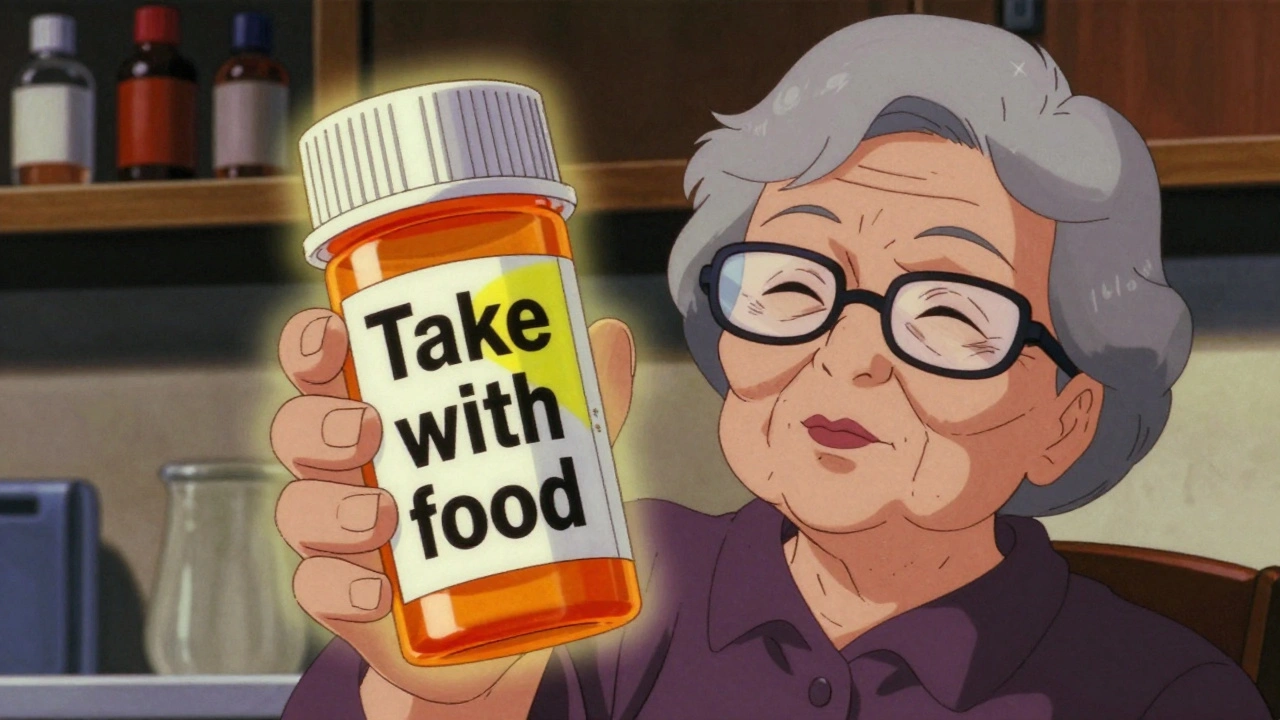
- Highlighting: Yellow or bright color blocks to draw attention to critical info like "Take with food" or "Do not operate machinery"
What If You Can’t Read Even 18-Point Text?
Not everyone can read large print, even at 18-point. That’s where other accessible options come in. ScripTalk is a talking label system. A small, invisible RFID chip is embedded in the label. You hold a handheld reader (or your smartphone with the ScripTalk app) near the bottle, and it speaks the full label aloud: drug name, dosage, instructions, expiration date, refill info, and warnings. It works even in the dark. No screen needed. QR code labels (like UK HealthCare’s ScriptView) link to an audio version of your label when scanned with your phone. Some even let you record your own voice reminder: "Take this after breakfast. It makes me sleepy." Braille labels exist, but they’re only useful for the 10% of visually impaired people who read Braille. They don’t include full instructions, just drug names and doses. So they’re not a complete solution on their own. AI-powered helpers like Be My Eyes’ pharmacy integration let you connect live with a volunteer via your phone camera. They read your label aloud in real time. This is free and works even if your pharmacy doesn’t offer accessible labels yet.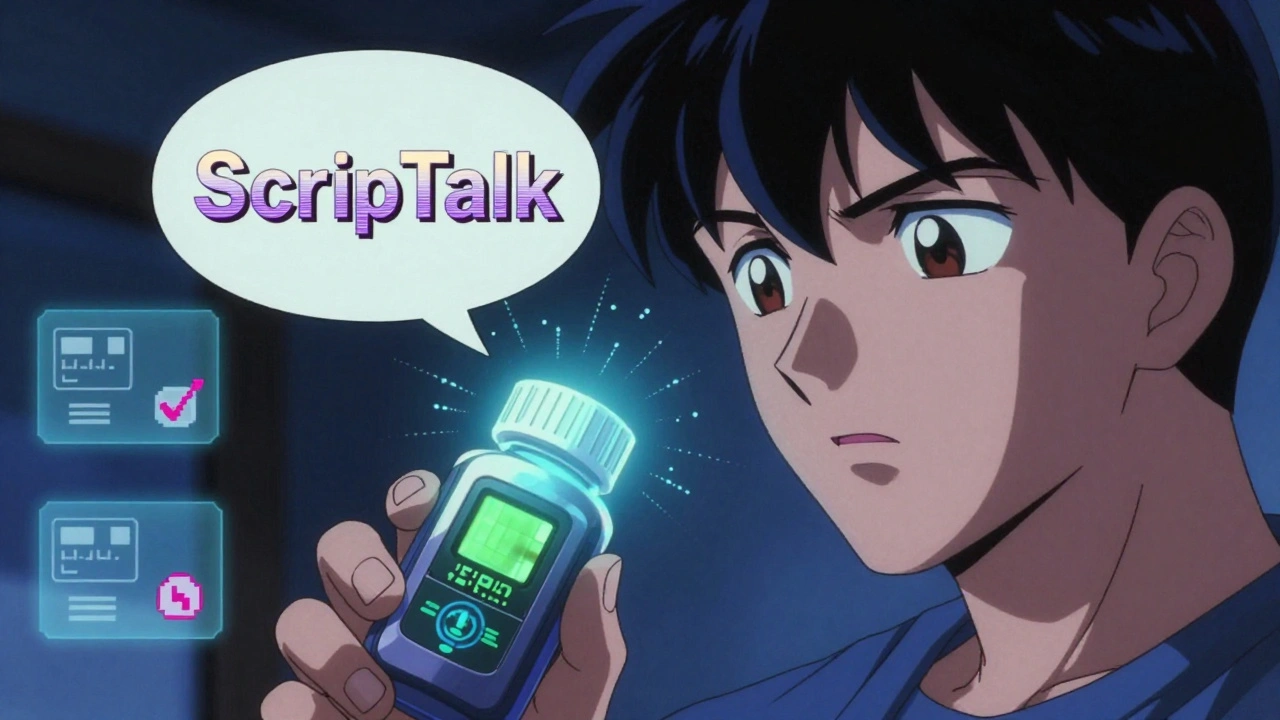
Which Pharmacies Offer These Services?
You don’t have to hunt for them. Most major chains offer at least one option-and many offer all of them, for free.- CVS: Offers ScripTalk, large print labels, and QR code audio labels. As of 2023, 98% of CVS locations have them. You can request them at pickup or ask for them when calling in a refill.
- Walgreens: Provides large print, ScripTalk, and Braille labels. Their app also lets you request audio labels.
- Walmart: Offers large print and ScripTalk at 92% of locations. Ask the pharmacist when you pick up your prescription.
- UK HealthCare (University of Kentucky): Their ScriptAbility program offers large print, audible, and translated labels-all free. Their system helped reduce hypoglycemic episodes by 75% in diabetic patients.
- Independent pharmacies: Less consistent. Only about half offer accessible labels. But they’re legally required to provide them if you ask.
How to Get Accessible Labels (Step by Step)
You don’t need to be an expert. Here’s how to get the right label for you:- Ask at the pharmacy. Don’t wait for them to offer it. Say: "I have low vision. Can you print my prescription label in large print, 18-point font?" If they say no, ask: "Do you offer ScripTalk or a QR code audio label?"
- Request it in advance. When calling in a refill, say: "Please use large print or ScripTalk for this prescription." Write it down and keep a note in your phone.
- Use your phone. Download the ScripTalk app (free on iOS and Android) or use Be My Eyes. Even if your pharmacy doesn’t have the system, you can still use these tools to read your current labels.
- Ask for a duplicate label. If your bottle is too small for a big label, ask for a second, larger label to stick on the outside. Many pharmacies keep these on hand.
- Check your state. California requires pharmacies to train staff on accessible labeling. Other states are catching up. If you’re denied, contact your state board of pharmacy.
What to Do If Your Pharmacy Says No
If a pharmacist says, "We don’t do that," or "We only have it if you ask," here’s what to do:- Ask to speak to the manager. Most frontline staff don’t know the policy.
- Say: "I’m legally entitled to accessible labels under the Americans with Disabilities Act. Can you help me get them?"
- Call the pharmacy’s corporate office. CVS, Walgreens, and Walmart have national hotlines. Tell them you were denied service.
- Report it to the National Federation of the Blind or the American Council of the Blind. They track non-compliance.
Real Stories: How Accessible Labels Changed Lives
One Reddit user, "VisionLiberation," wrote: "Since my pharmacy started offering 18-point Arial labels, I’ve stopped taking the wrong pills twice a week. It’s life-changing." A 78-year-old woman in Kentucky with diabetes used to mix up her insulin and blood pressure pills. After switching to ScriptView’s large print label with audio QR code, her hypoglycemic episodes dropped by 75%. A 2022 survey of 2,315 visually impaired medication users found that 82% improved their medication adherence after using accessible labels. And 67% said they’d had at least one medication error before-many ending in ER visits.What’s Coming Next?
By 2026, the FDA plans to require accessible labels on electronic prescriptions and patient portals. That means your online pharmacy account will have audio or large print options too. CVS is investing $15 million to roll out ScripTalk to all 9,900 of its U.S. locations by the end of 2024. That’s nearly every CVS pharmacy. AI tools are getting smarter. Apps like Be My Eyes now process over 1.2 million label reads per month. Soon, they’ll be able to detect if a label is outdated or if a pill looks wrong.Bottom Line: You Deserve to Read Your Own Labels
Accessible prescription labels aren’t a luxury. They’re a necessity. And they’re not hard to get. You don’t need special equipment. You don’t need to pay extra. You just need to ask. If you or someone you love has trouble reading medication labels, don’t wait. Ask your pharmacy today. If they say no, ask again. And again. Because every time you take the right pill at the right time, you’re not just avoiding a mistake-you’re keeping your independence, your health, and your life.Are large print prescription labels free?
Yes. All major pharmacy chains-including CVS, Walgreens, and Walmart-offer large print, ScripTalk, and QR code audio labels at no extra cost. This is required by federal law under the FDA Safety and Innovation Act and the Americans with Disabilities Act.
What font size should a large print prescription label be?
The standard is 18-point font, as recommended by the American Foundation for the Blind and the Access Board. Some people need 24-point for better clarity. Standard pharmacy labels are 10-12 point, which is unreadable for most people with low vision.
Can I get accessible labels if I don’t have a smartphone?
Yes. Large print labels are printed on paper and require no technology. ScripTalk also offers handheld readers that work without a phone. These devices are often provided free by pharmacies or through nonprofit programs.
What if my pharmacy doesn’t know about accessible labels?
Ask to speak to the manager. Many pharmacists aren’t trained on this. You can say: "I’m legally entitled to accessible labels under the ADA. Can you help me get them?" If they still refuse, contact the pharmacy’s corporate office or report it to the National Federation of the Blind.
Do I need to be blind to qualify for accessible labels?
No. You don’t need to be legally blind. Anyone with low vision-due to age, diabetes, glaucoma, macular degeneration, or other conditions-can request accessible labels. You don’t need a doctor’s note or proof of diagnosis.
How do I know if my label is compliant?
Check for: 18-point or larger font, black text on white background, sans-serif font (Arial or Verdana), left-aligned text, and no glare. If it’s hard to read even with good lighting, ask for a better version. The label should include the drug name, strength, dosage instructions, expiration date, and warnings.
Can I use AI apps like Be My Eyes to read my labels?
Yes. Apps like Be My Eyes connect you live with a volunteer who can read your label through your phone’s camera. It’s free, works with any label, and doesn’t require your pharmacy to offer special systems. It’s a great backup if your pharmacy hasn’t updated yet.


Comments
Rupa DasGupta
December 5, 2025This is so needed 😭 I almost took my mom's blood pressure pill instead of her diabetes one last month. Thank you for sharing this.
ashlie perry
December 5, 2025They're not doing this because they care. They're doing it because the feds are watching. You think CVS gives a damn about your vision? Nah. They're scared of lawsuits. Same with the FDA. Always is.
Katie Allan
December 6, 2025It's not just about font size. It's about dignity. Being able to read your own medicine without begging for help or fumbling with apps. This isn't charity. It's basic human rights. And yet so many still treat it like a favor.
Deborah Jacobs
December 7, 2025I used to cry every time I opened a pill bottle. Now I just slap on the big label and feel like I'm not a burden anymore. That’s not just convenience. That’s freedom.
Krishan Patel
December 9, 2025You people are so easily pleased. They give you 18-point font and you call it a victory? What about the blind who can't read print at all? What about the elderly who can't afford smartphones? You're celebrating crumbs while the table's still empty.
Philip Kristy Wijaya
December 9, 2025I've been reading these labels since 1987. Back then, pharmacies didn't even have barcode scanners. Now they're putting RFID chips in labels? This is what happens when you let bureaucrats design medicine. Next they'll be scanning your soul.
Jennifer Patrician
December 10, 2025ScripTalk? QR codes? You think this is about accessibility? Nah. It's about control. They want you dependent on tech. Soon they'll be forcing you to use their app to take your meds. And then they'll track your compliance. And then your insurance rates. It's all connected.
Mark Ziegenbein
December 11, 2025Let me be perfectly clear: the notion that 18-point font is somehow sufficient is a grotesque underestimation of the problem. The human eye does not process typography in isolation; it integrates spatial, chromatic, and cognitive cues in a dynamic perceptual field that is fundamentally compromised by the clinical sterility of Helvetica on white. A truly accessible label must account for the neurophysiological degradation of the retinal ganglion cells in age-related macular degeneration, not merely inflate font size like a child's coloring book. And don't get me started on the absurdity of lowercase drug names-capitalization is not a stylistic preference, it's a semantic anchor. The FDA's guidelines are a joke. A parody of accessibility. They're not solving the problem. They're performing it.
Stephanie Bodde
December 12, 2025You got this 💪 I know it feels overwhelming but asking for help is the bravest thing you can do. Every time you speak up, you make it easier for the next person. You're not alone.
Mark Curry
December 12, 2025I just asked my local pharmacy for a big label. They gave me one right away. No drama. No hassle. Just did it. Maybe not everyone's out to get you.
Laura Saye
December 13, 2025The underlying metaphysical tension here lies in the ontological dissonance between institutionalized healthcare delivery and the phenomenological reality of embodied vulnerability. Accessibility, as currently conceptualized, remains a performative gesture within a neoliberal framework that commodifies care. We mistake compliance for justice. We mistake font size for dignity. Until we decouple medical provision from bureaucratic efficiency, we are merely tending to symptoms while the disease of systemic neglect metastasizes.
Mellissa Landrum
December 15, 2025Big Pharma and the pharmacies are in cahoots. They want you confused so you keep buying more pills. They don't want you reading the labels clearly. That's why they make them tiny. It's all about profit. They don't care if you die. Just as long as you keep buying.
Juliet Morgan
December 16, 2025I’m so glad someone finally said this. My dad’s been using Be My Eyes for his meds since last year. He says it’s like having a daughter in his pocket. No more panic. No more guessing. Just peace. You’re not asking for special treatment. You’re asking to be seen.
Write a comment